Not translated yet — showing English.
Game Rooms
Game Rooms is the live registry of every room your game servers are running. For each room it shows whether players can be placed in it, whether its server is still alive, who is inside and the address players use to reach it. From here you can close a room or remove a player from it. The page is scoped to the environment selected in the top bar, and the count next to Game Rooms in the sidebar is the number of live rooms.
Rooms are created by your game servers, not here
Your game server creates a room and registers it with PlayServ through its heartbeat; the platform removes it when it ends or goes silent. There is no way to create a room in the Backoffice. The server side is in Game Server Hosting.
How a room is described
A room is its game server plus its name, for example arena/eu-match-42. It carries three signals, and the Backoffice shows them side by side without merging them.
| Signal | Who sets it | What it answers |
|---|---|---|
| Placement state | The platform | Can players be placed in this room? |
| Studio state | Your game server | Whatever your game reports, such as lobby or in_progress. Shown as sent, never interpreted. |
| Heartbeat | Your game server, by beating | Is the server holding this room still alive? |
Placement state. When more than one applies, the first in the table wins.
| State | Meaning |
|---|---|
| Session closing | The match has finished and cleanup is in progress. |
| Self-closed | Your game server closed the room to new players itself. |
| Draining | The room is living out its remaining time and takes no new players. When the cause is Room lifetime reached, a countdown shows when it closes. |
| Full | No free slots are left. |
| Open | The room is accepting players. |
Heartbeat.
| State | Meaning |
|---|---|
| Fresh | Heartbeats are arriving on schedule. |
| Stale | No heartbeat for 15 seconds, three missed beats. |
A stale room cleans itself up
A stale room is removed automatically, with no action from you. Close a room by hand only when you need it gone before that.
Where the room's server runs.
| Badge | Meaning |
|---|---|
| Managed | Brought up by PlayServ on Cloud Run. |
| Pooled | Brought up on a PlayServ machine pool. |
| External | Brought up on the studio's own server, including servers attached through Edgegap. |
Live sessions
The list refreshes every 5 seconds, and pauses while the browser tab is hidden. Live / Paused holds it still while you read. Search matches the room name, game server, instance or region.
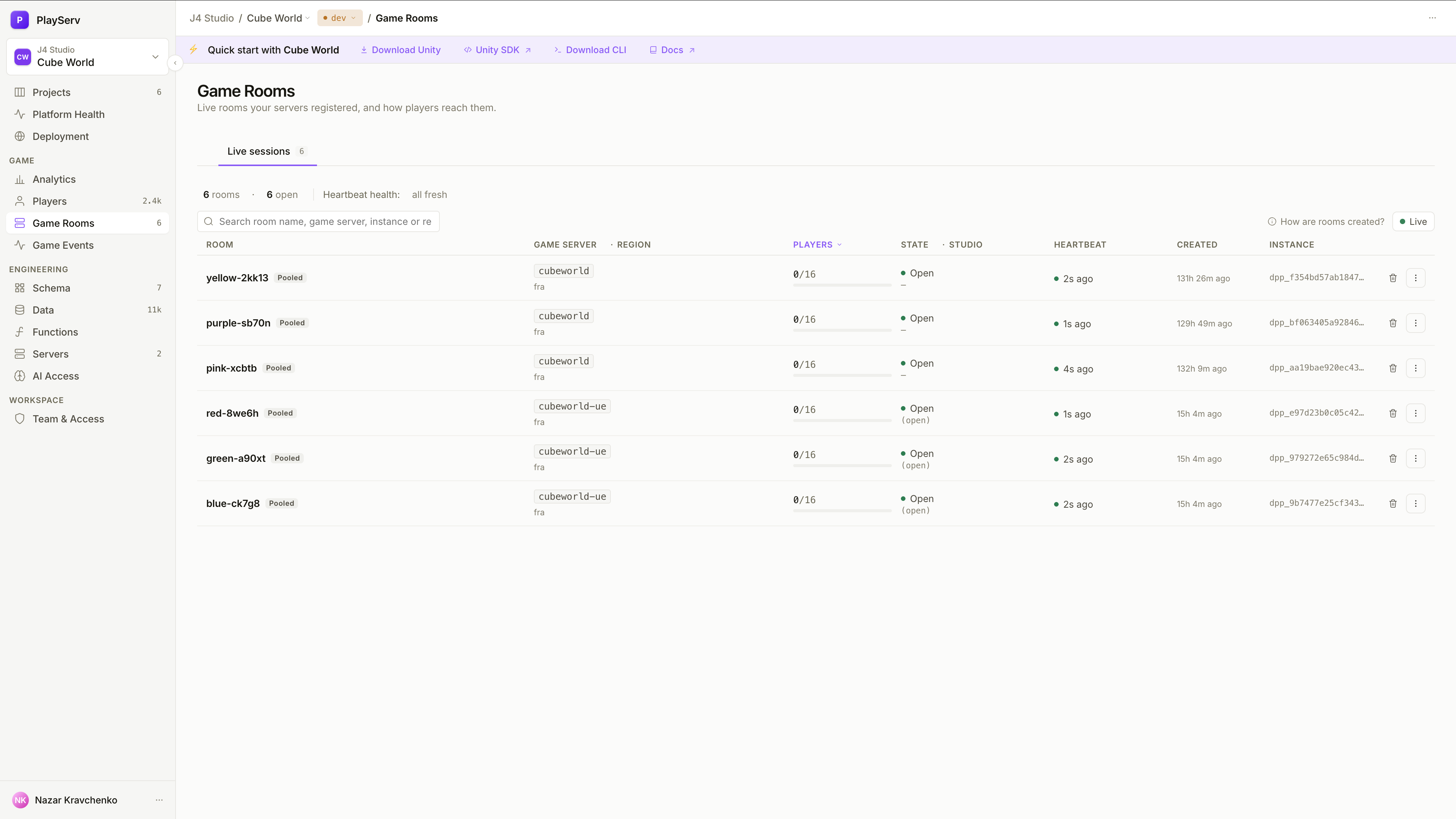
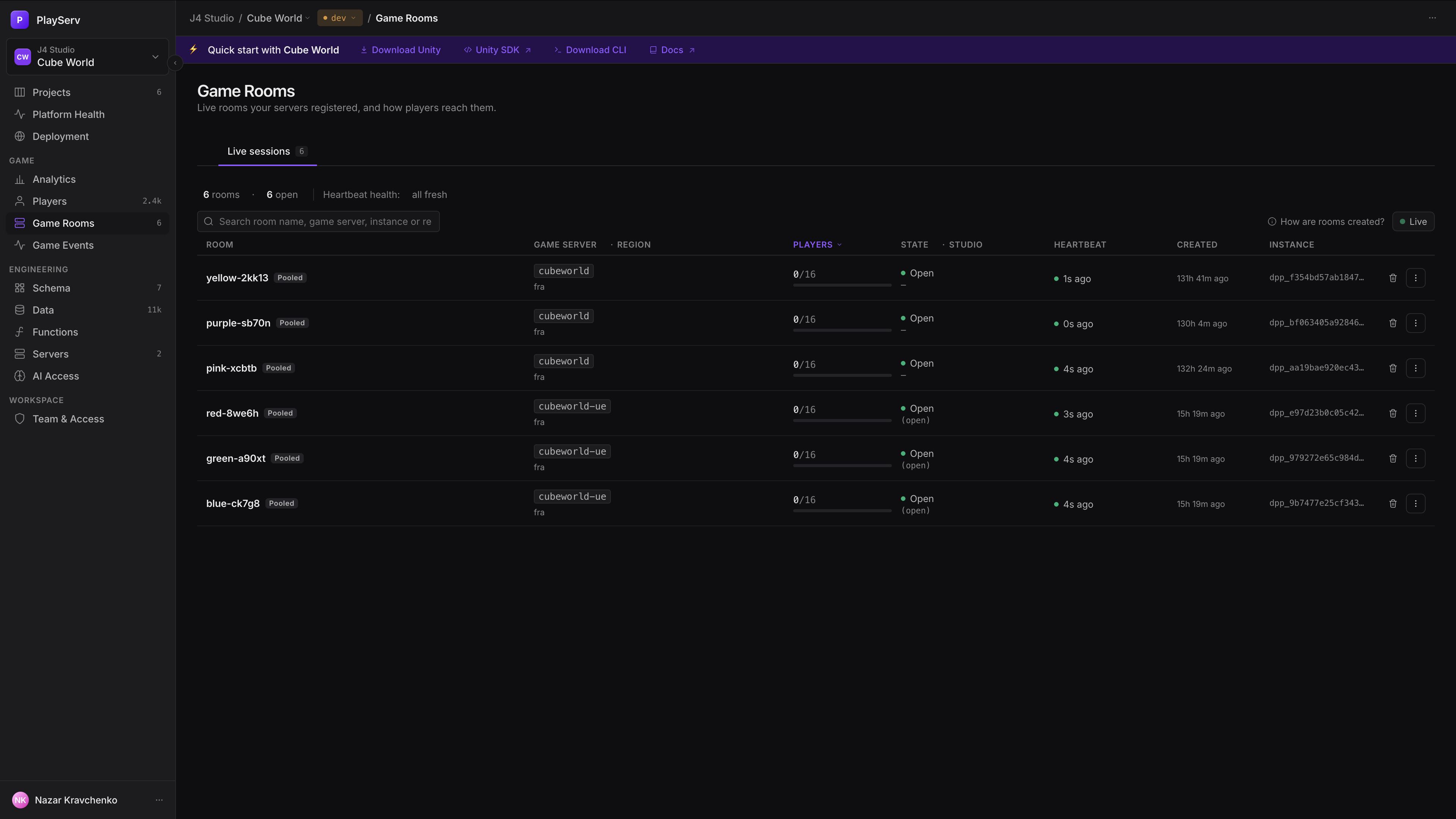
| Column | What it shows |
|---|---|
| Room | Name and run badge. A roster marker means the platform and the server disagree on who is inside; the platform repairs it on its own. |
| Game server · Region | The hosting game server, and the region it reported. |
| Players | Players out of capacity, with an occupancy bar. +N held counts seats reserved by matchmaking for players who haven't entered yet; over means capacity was lowered on a live room, and nobody was evicted. |
| State · Studio | Placement state, with the studio state in brackets. |
| Heartbeat | Time since the last beat, Fresh or Stale. |
| Created | When the room registered. Heartbeats don't move it. |
| Instance | The game-server process holding the room. |
The summary bar above the list counts rooms by placement state and heartbeat; click a count to filter by it. Column headers sort and filter too. By default the fullest rooms come first, and rows keep their place between refreshes.
Room details
Everything about one room. Open it by clicking the room, or its details icon. The copy button next to the name copies its game-server/room identifier.
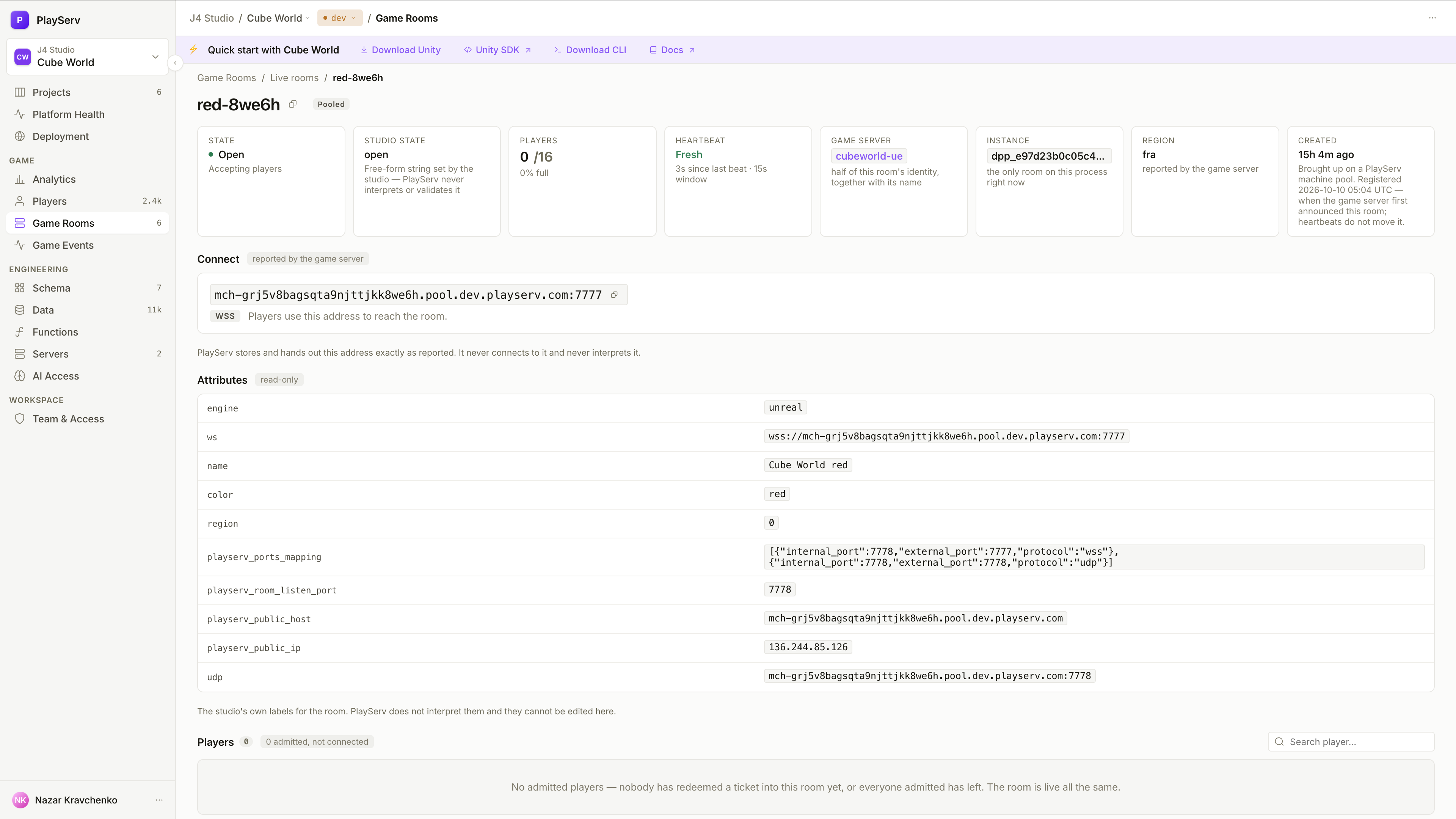
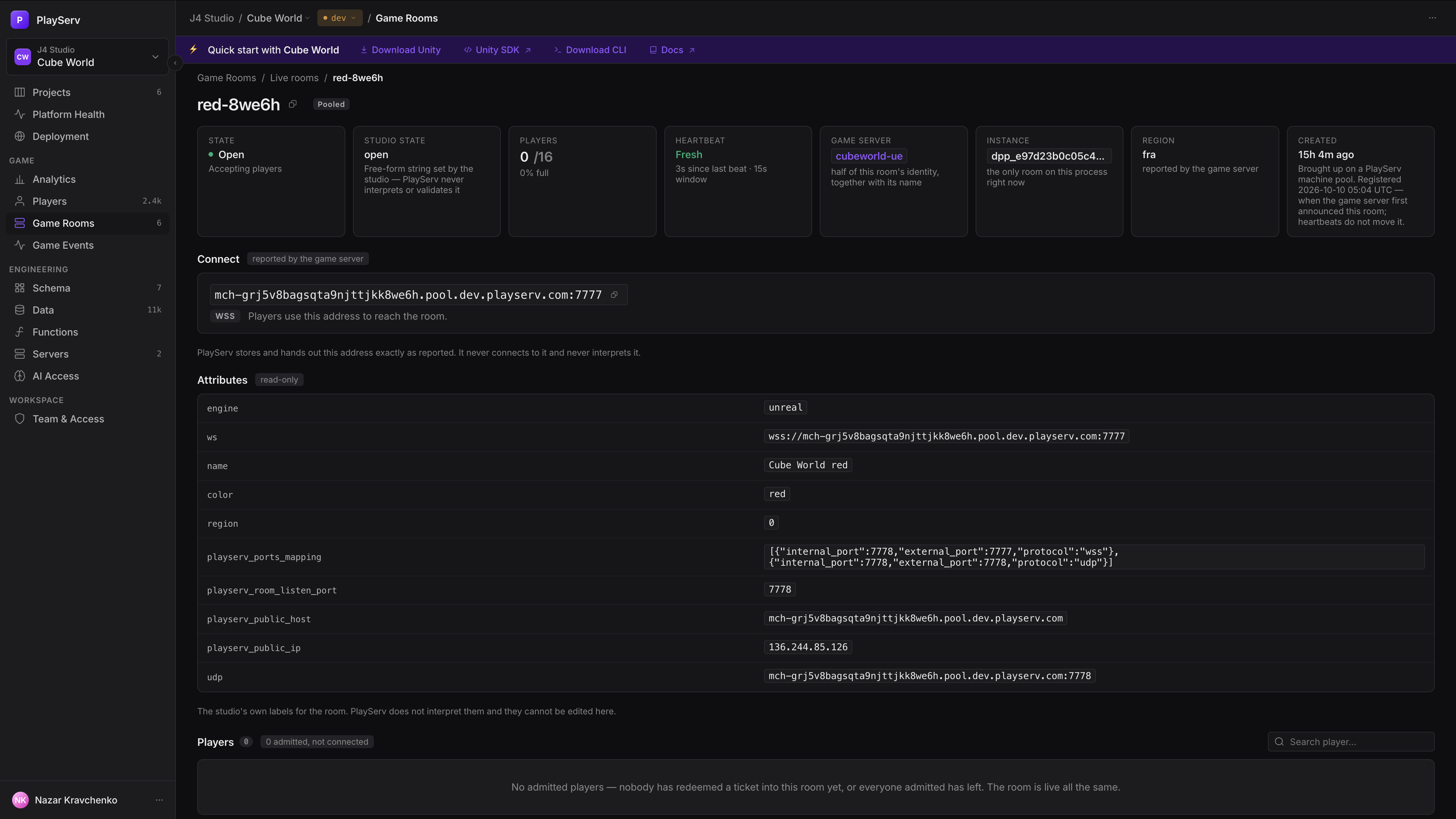
| Field | What it shows |
|---|---|
| State · Studio state | The placement state, with any drain cause and countdown, and your server's own state. |
| Players | Count, how full the room is, and any held or over-capacity seats. |
| Heartbeat | Seconds since the last beat, within the 15-second window. |
| Game server · Instance | The fleet in Servers, and the process — with how many other rooms it holds. |
| Region · Created | As reported by the server, and when the room registered. |
| Card | What it holds |
|---|---|
| Connect | The address players use to reach the room: host and port, transport and connect string, each with a copy button. PlayServ hands it to matched players exactly as your server reported it; it never connects to it or interprets it. |
| Attributes | The key/value labels your server attached to the room. |
| Players | The roster, from the platform's participant records. Connected players are in the room; admitted ones redeemed a ticket and haven't connected yet, which is normal for a few seconds. Click a player to open them in Players. |
Closing a room and removing a player
| Action | Where | What happens |
|---|---|---|
| Delete room | The trash icon in the list | After you confirm, the room closes and every player in it is disconnected. PlayServ asks your server to close it; a server that keeps heartbeating without confirming leaves the room in Session closing. |
| Remove from room | The room's Players roster | After you confirm, the player is disconnected from the room. |
A removed player can't come back to the same room
A removal lasts for the room's lifetime: the player is refused with removed_from_room if they try to rejoin. A new room with the same name admits them normally.
Both actions are recorded in the audit log.
Next steps
- Servers — the fleets hosting these rooms, and their room settings
- Game Server Hosting — registering rooms and reporting connect details from your server
- Matchmaking & Rooms — how players are placed into rooms
Last updated on 10 Oct 2026