Not translated yet — showing English.
Deployment
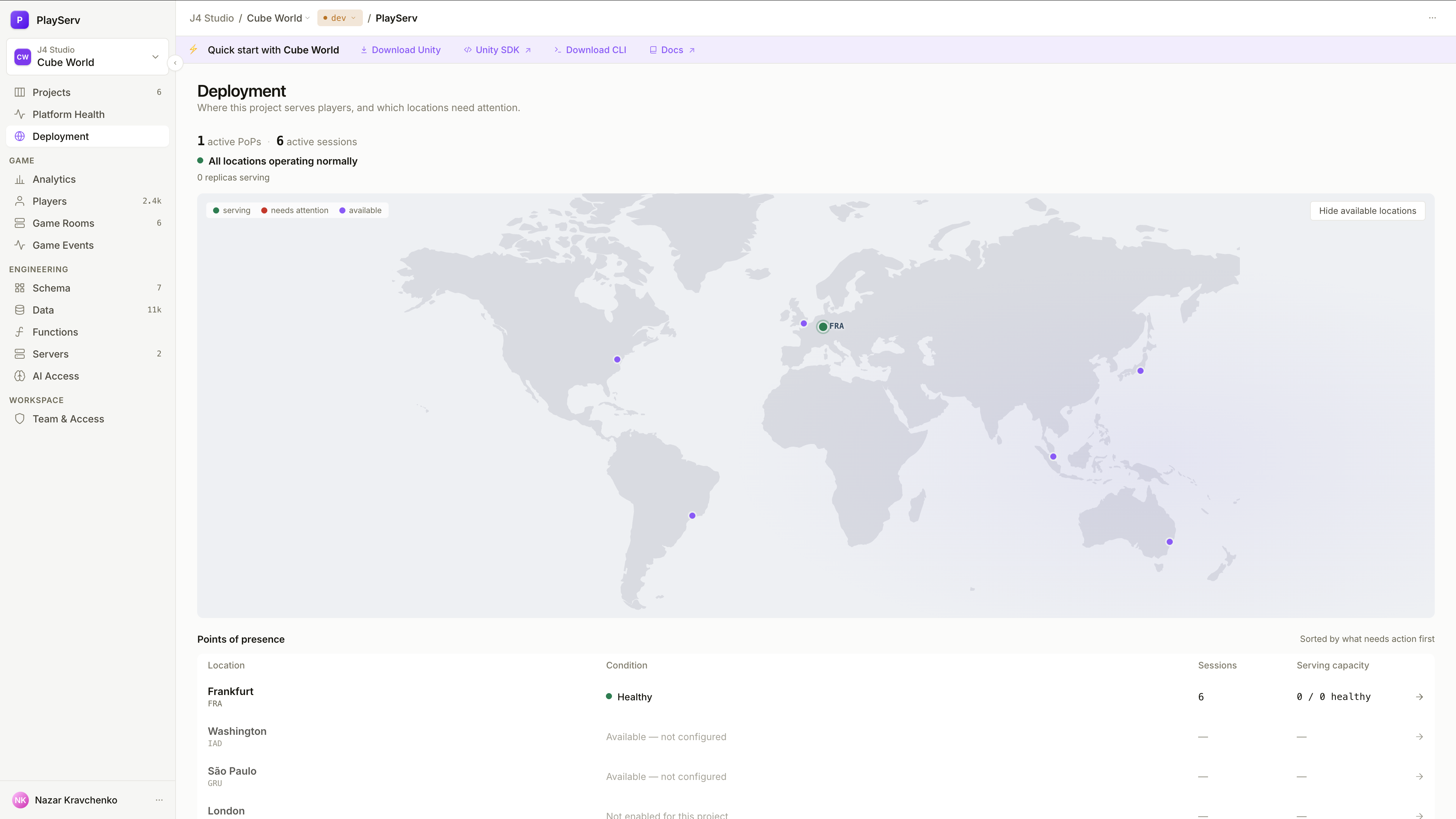
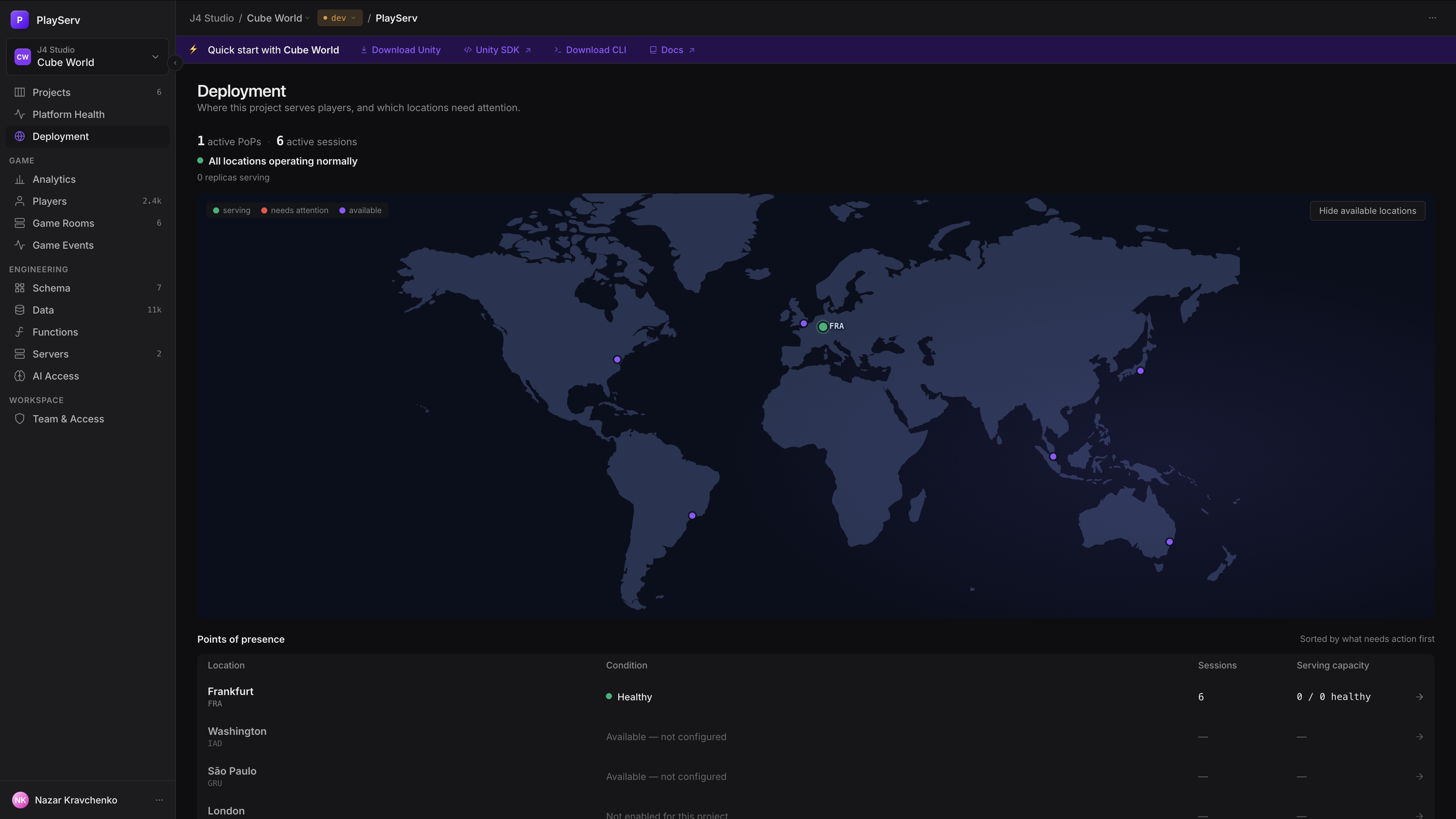
Deployment shows where your project serves players, and which of those locations need attention. It puts the PlayServ network on a map and in a table of points of presence, each with its live sessions and the health of the game-server replicas running there. It is an overview: the footprint itself is changed in Servers, and every location links you there.
Points of presence
A point of presence (PoP) is a PlayServ location where game servers can run, such as Frankfurt, fra-1. The same identifier is used wherever a location appears: on this map, in a fleet's regions, and when you choose deployment points for a machine pool.
| Status | Meaning |
|---|---|
| Active | Configured for this project and serving players. |
| No traffic | Configured for this project, but no sessions are routed to it right now. |
| Available | Part of the PlayServ network, but not configured for this project. |
A room's region is your label, not its location
A room counts toward the PoP of the game server that hosts it. The region string your server reports for a room is shown in Game Rooms as you sent it, and Deployment never uses it.
Every PoP carries the conditions that explain its state. The table sorts locations so the ones needing action come first.
| Condition | Severity | Meaning |
|---|---|---|
| Replica(s) unhealthy | Problem | "X of Y replicas unhealthy": they are running, but their health checks are failing. |
| Machine pool error | Problem | A machine pool at this location reported an error; the detail names the fleet and the reason. |
| N replicas draining | Notice | Replicas are finishing their sessions before shutting down. |
| No active sessions | Notice | The location is provisioned, but no traffic is routed to it. |
| Healthy | — | Nothing to report. |
Draining is not a fault
Draining replicas are a controlled shutdown: they stop taking new sessions and let the current ones finish. They show as a notice, not a problem, and need no action.
Reading the page
| Block | What it tells you |
|---|---|
| Situation strip | Active PoPs and active sessions; then either N locations need attention, with a chip per location naming its cause, or All locations operating normally; then how many replicas are serving. |
| Map | Every PoP with published coordinates. Active pins show their code, available ones a dot, and arcs join the busiest PoP to the others. Hover a pin for its sessions, fleets and top conditions. Hide available locations leaves only the ones your project uses. |
| Points of presence | One row per location: Location (city and code), Condition (the primary one, plus "+N more"), Sessions, and Serving capacity ("X / Y healthy", with unhealthy and draining counts). A location without coordinates is marked no coordinates published and is missing from the map. |
A location hosting part of a multi-location fleet shows its sessions as "up to N".
Each row leads to where you can act on it.
| Click | Opens |
|---|---|
| An active PoP | The fleet that serves it, on its Rooms tab in Servers. |
| An available PoP | Deployment points, with that location in focus, to add it to a fleet. |
Branch deploys
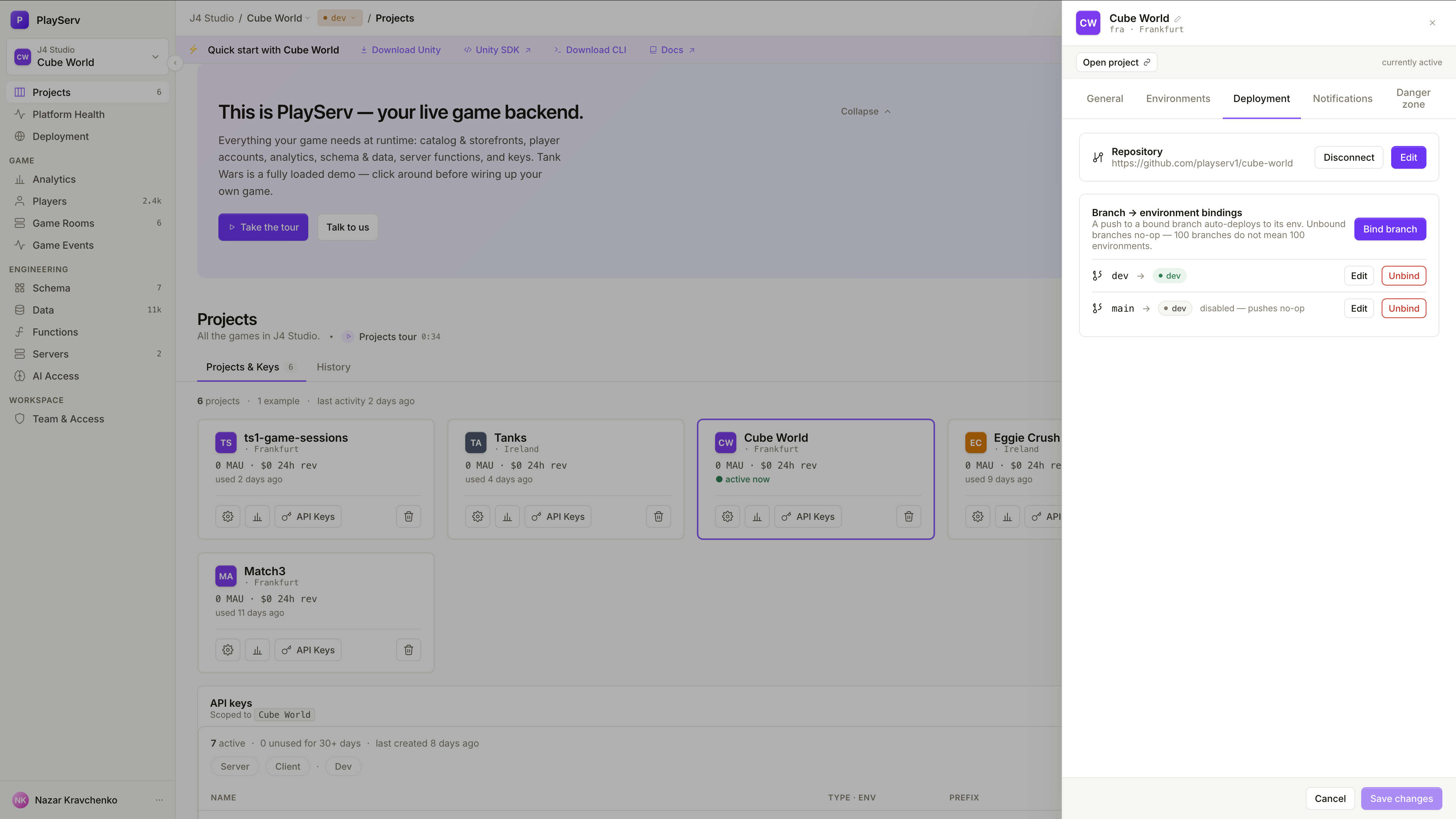
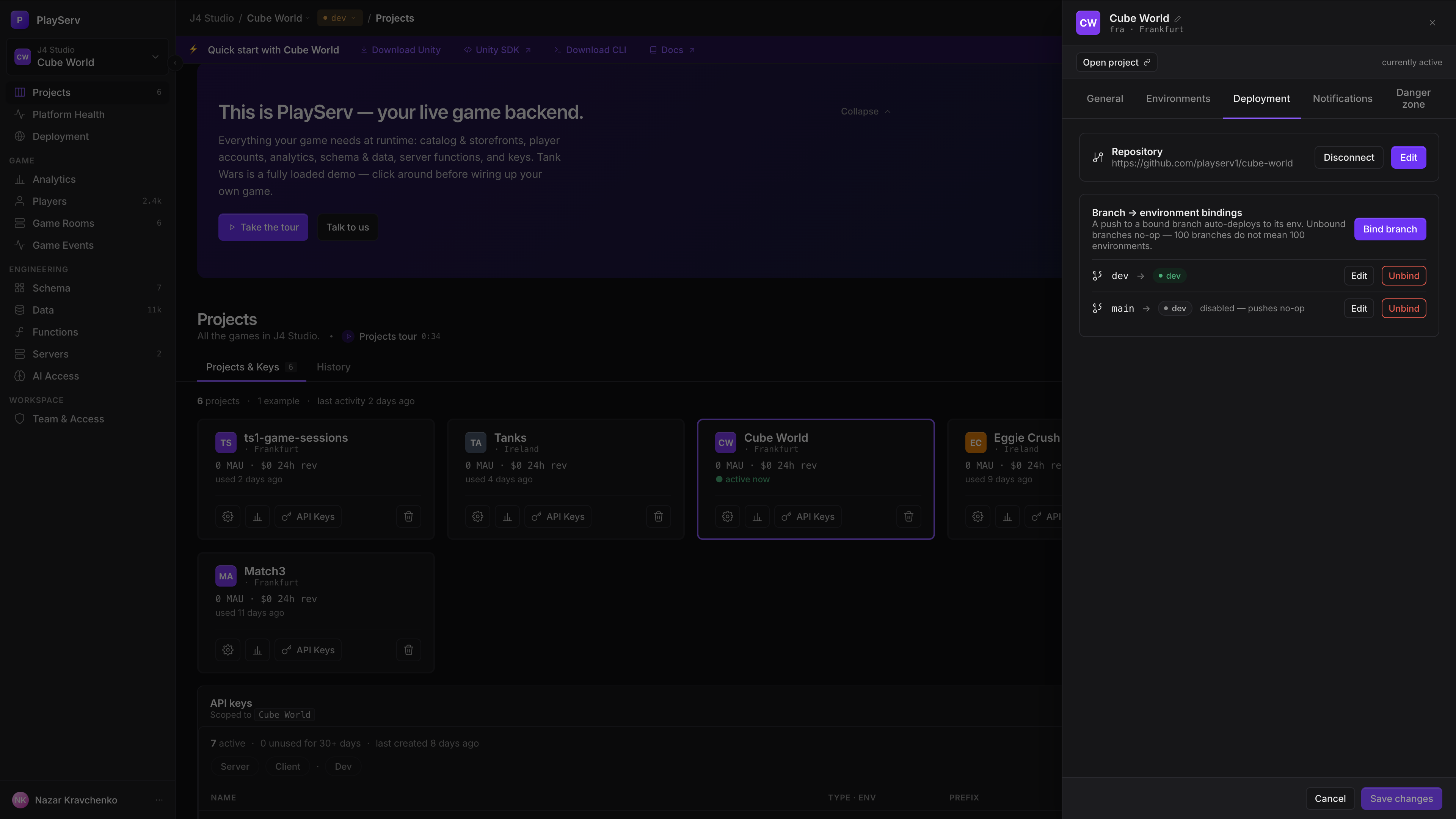
Automatic deploys from Git are set per project, in Project settings → Deployment.
| Setting | What it does |
|---|---|
| Repository | The GitHub organisation or user, repository name and default branch. PlayServ stores these coordinates only, never GitHub credentials. |
| Branch → environment bindings | A push to a bound branch deploys to its environment. A push to an unbound branch does nothing. A binding can be disabled without deleting it. |
A branch can be bound to one environment only, and a copied environment has to be re-linked before it can be bound. How a branch deploy builds and promotes functions is in Functions → Automatic deploys by branch.
Next steps
- Servers — fleets, replicas, machine pools, and choosing deployment points
- Game Rooms — the live rooms these locations serve
- Platform Health — whether the PlayServ platform itself is healthy in each location
Last updated on 10 Oct 2026